








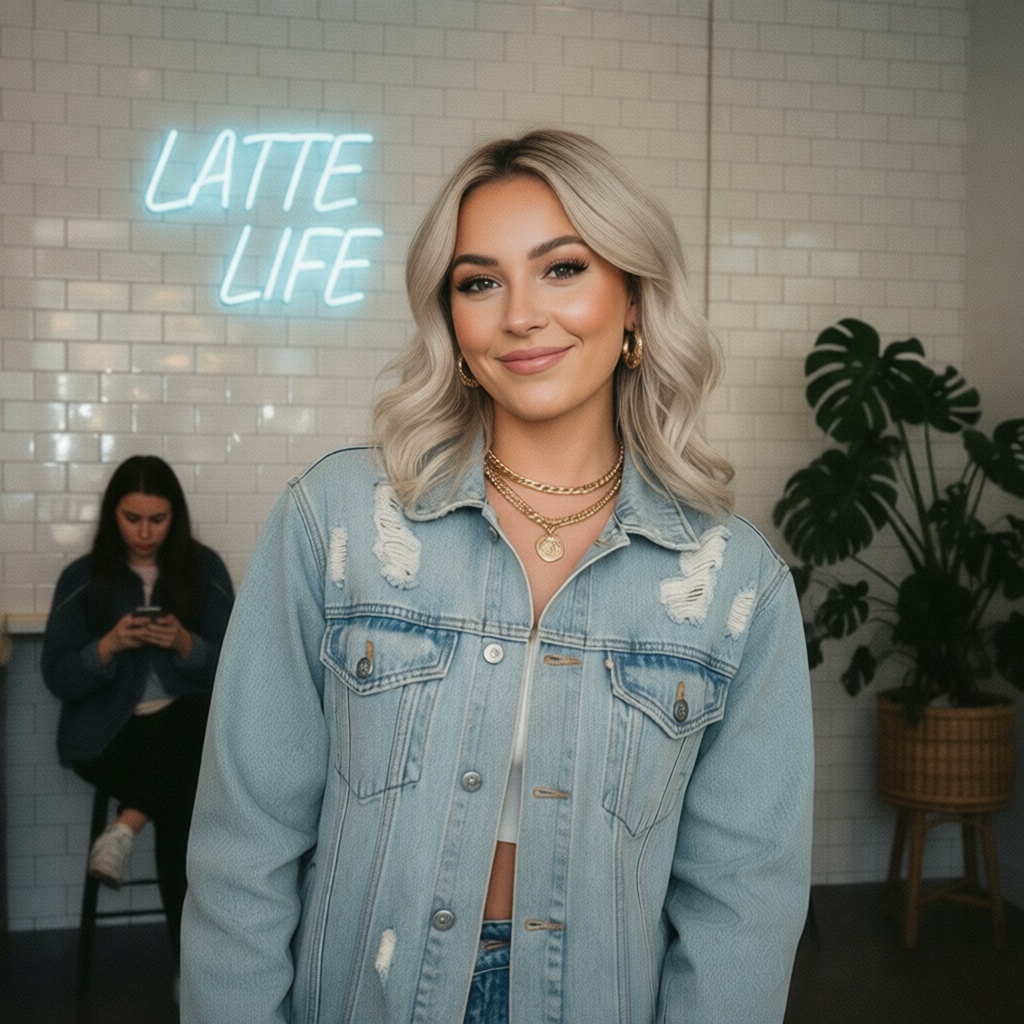
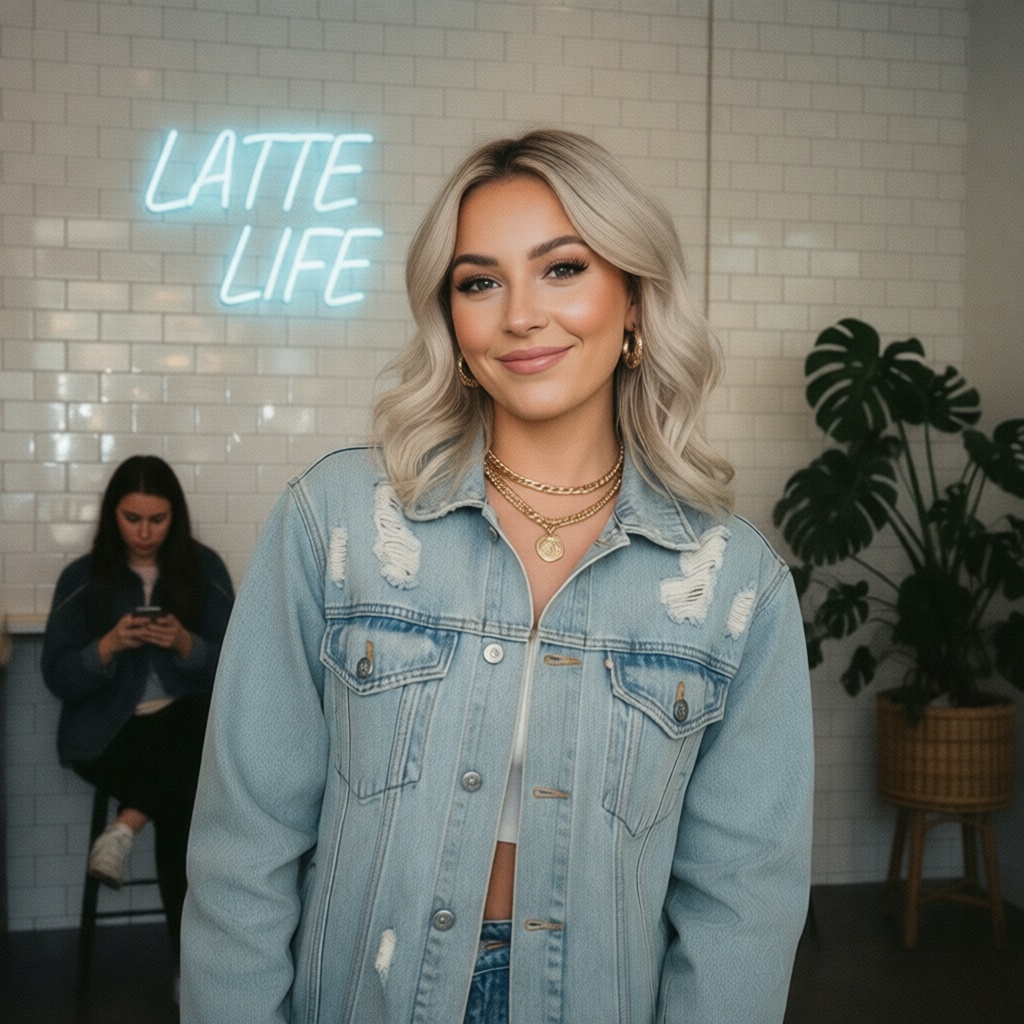


One image.
Forty possibilities.
ONE TO FORTY MODE
Try new versions.


After
Before
Refine.
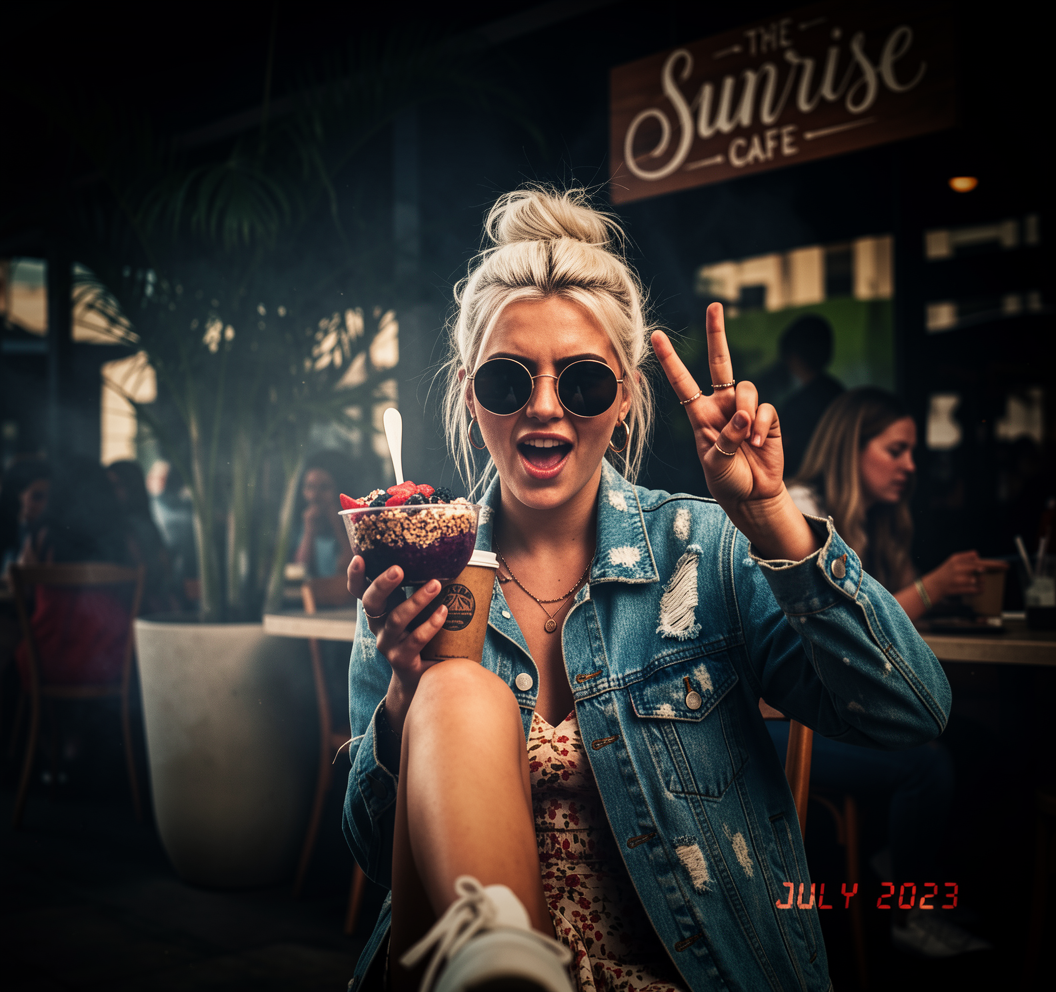
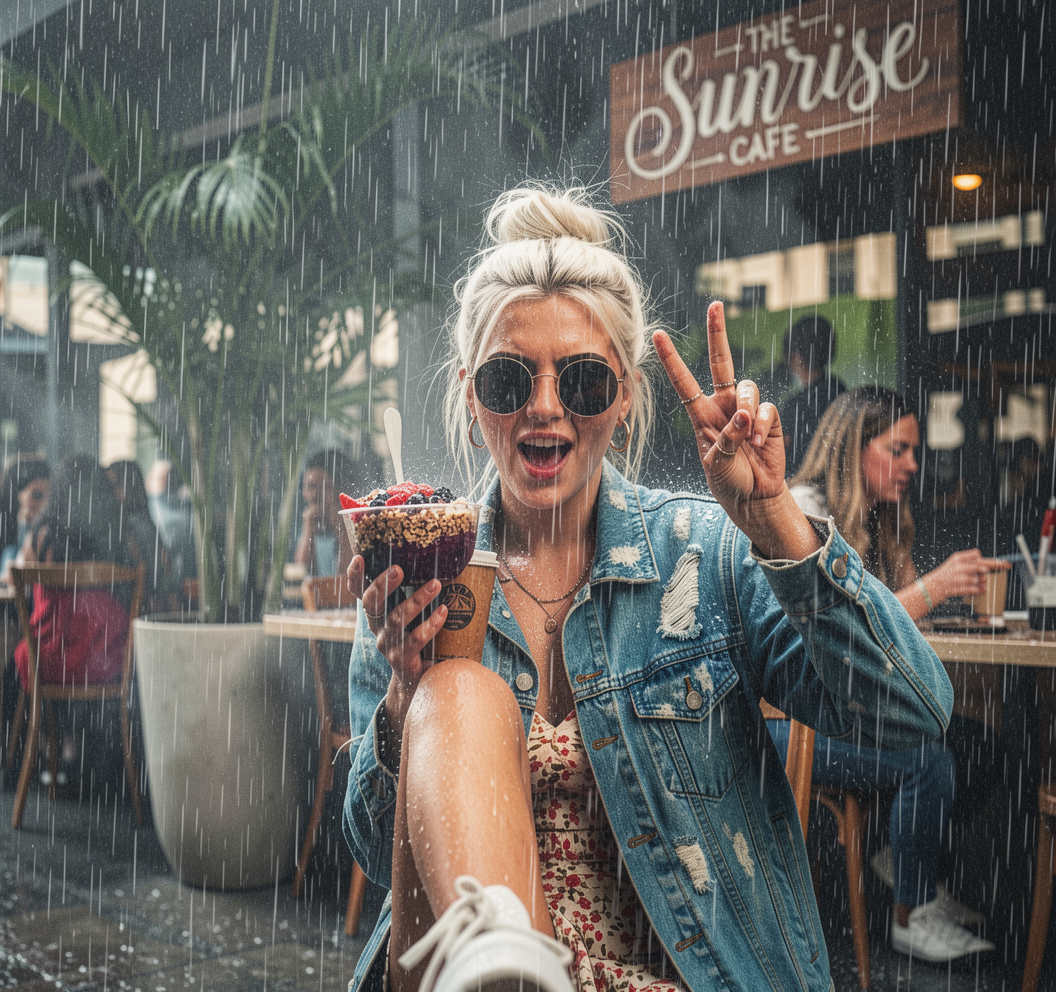

Iterate.
Keep it or change it, as many times as you want.
Create different versions with one prompt.
Vary anything.
Create multiple.
Use plain language instructions to create and edit images, videos, make variations and more, all in one place, all powered by the latest and greatest.
Create anything.
How it works.
Start from text or media, shape the result inside the workspace, then keep the version that feels ready.
01
Start with text or a source
Begin with a prompt, a still image, or a short clip.
02
Shape the result
Edit, animate, or branch into more directions without leaving the flow.
03
Finish what you keep
Restore, sharpen, upscale, or smooth the version you want to keep.
Questions people ask first.
A few practical answers before they open the workspace.
Do I need to start with text or existing media?
No. You can begin with text, a still image, or a clip, then move into editing, motion, restore, or finishing when it helps the idea.
Can I keep working on the frame I already like?
Yes. You can edit the version that is already close, branch into more directions, and keep the one that lands best.
Can I make motion from one image or across a set?
Yes. You can animate a still, or guide a small set with one shared direction so the outputs still feel related.
Can I finish or clean up what I make here?
Yes. You can restore older media, sharpen image or video outputs, and smooth motion when a sequence needs a gentler step.
Do I need technical setup to use it?
No. You can begin from text or media and finish inside the workspace without extra setup.
See pricing before you begin.
Choose a monthly plan or buy credits when you need more room in the workspace.
Start with text. Or bring a source.
Create, edit, animate, restore, or finish in one quiet workspace.
Open the workspace, begin from a prompt, image, or clip, and keep only what feels worth keeping.